
Attendance, leave and payroll for IT companies and startups
Flexible hours, work-from-home days and a team that expects to do everything from their phone. Timeion gives HR the policy control and employees the self-service.
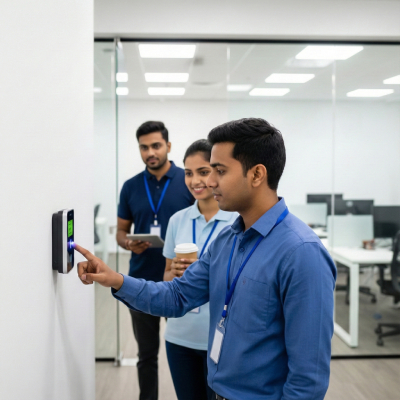
Typical setup
Hybrid / WFH · flexible hours · self-service app
The three problems we hear from it & startups
Nobody punches at 9
Teams start between 8 and 11 and finish when the work is done. A fixed-shift system marks half of them late every day.
WFH in a WhatsApp group
Work-from-home approvals live in chat; by month end HR cannot tell a WFH day from an absence.
Leave balance as a spreadsheet
Carry-forward, encashment and the new joiner's pro-rata leave are calculated by hand, and questioned every appraisal cycle.
One day at a software company, counted correctly
Every row is a different rule. Timeion counts each one by its own shift — including the ones that cross midnight.
Timeion, configured for it & startups
Same engine as every other customer. These are the rules, devices and pay components we switch on for you.
Devices & punching
- Staff app and web check-in, biometric optional
- Geo-fence for the office, none for WFH days
- Device binding so one phone equals one employee
- Self-service KYC and bank details
Shifts & attendance rules
- Hours-based shifts with a daily target
- WFH, on-duty and permission requests with approval
- Support rotas by week
- Late and short-day flags instead of hard LOP
Pay & compliance
- Monthly payroll with TDS and PF
- Reimbursements and variable pay components
- Leave accrual, carry-forward and encashment rules
- Payslips and Form 16 data from the same run